AIQuity Life · Learning
AI is accelerating. Your day is still 24 hours.
We can’t slow AI down, talk to your employer, or to the labs. What we can do is spend your attention where it compounds: one topic at a time, in the gaps of a real day, with the understanding kept and the busywork left out.
The method
Capability gained per unit of attention.
Your attention is the scarce thing. We spend it on what bullet-proofs your understanding, and we do not optimise for hours of content.
- 01
First principles, not the update diary
Learn the layer everything else sits on, so each new model, tool or framework has somewhere to attach, instead of chasing updates at a speed that makes your learning stale before you finish it.
- 02
Compression, not long lectures
The curriculum is designed around reality: a topic fits in about ten minutes, optimised for compressing the concept and the intuition, not for length.
- 03
Every topic is atomic
Each one stands on its own. You do not have to follow all of them, or in order.
- 04
Permission to skip
The educator is not promising you will know everything. He is showing you when to learn what, and what you can skip for now.
- 05
Agency is control over your journey, not the outcome
Visibility into what matters. Capability you can actually use. Adaptability as the tools change. Congruity with your style. Possibility you can see.
Topic one understanding
One idea, one understanding. Small enough to finish in a sitting.
Cluster a capability
A few connected topics become one capability. The first one is free.
Path a usable skill
Clusters in sequence become a usable skill, with a contract you can check yourself against and skip.
How we implement it
One topic. Four faces, two shelves, two rests.
Learning that survives a working week is not one long sitting. Each topic is one Atom: four faces in the order of the loop, plus your Notebook and the topic’s Resources on the side, so the first move costs nothing and the loop leaves room to forget a little in between.
- 01While travelling, cooking, waiting
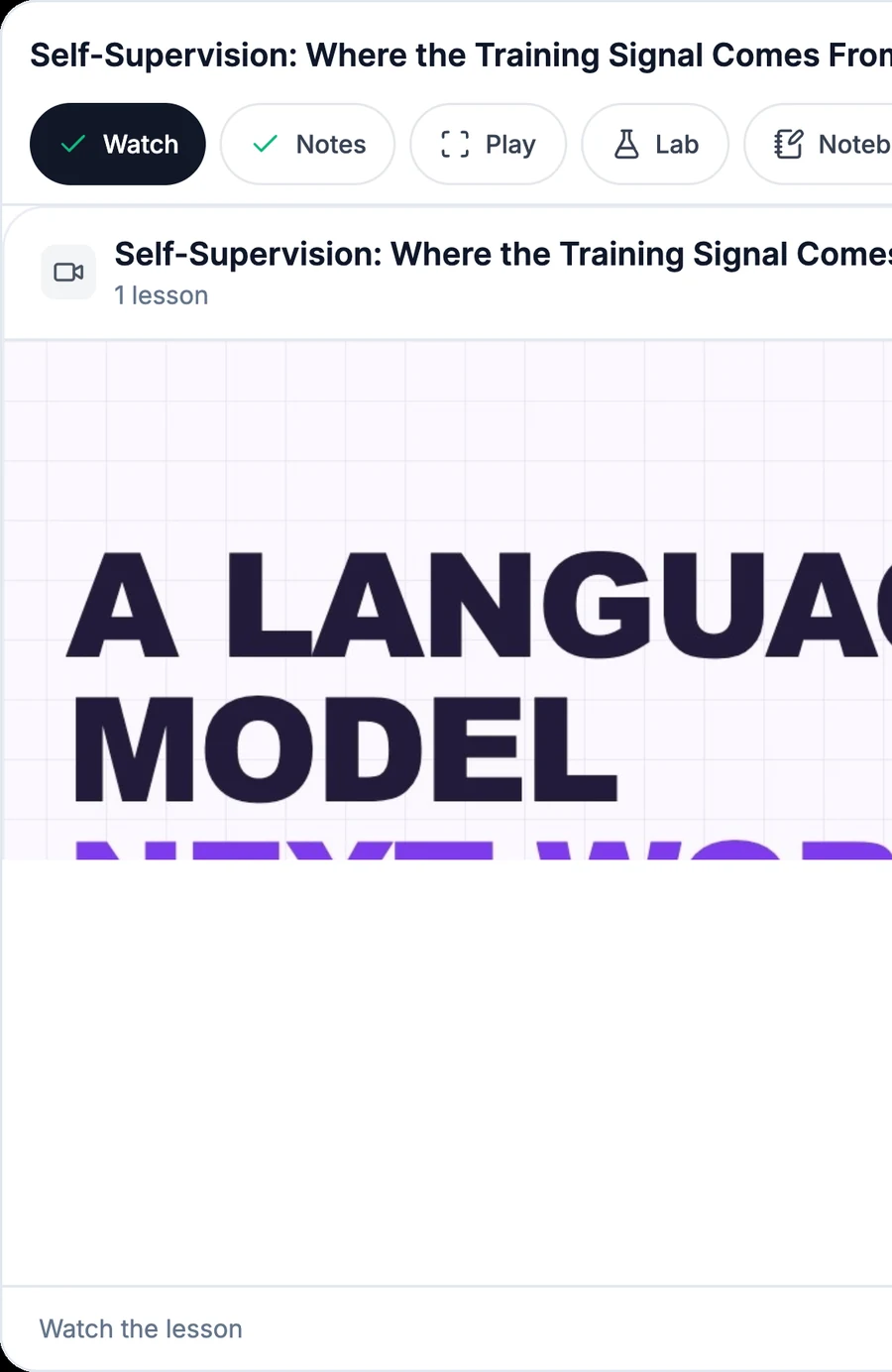
Watch
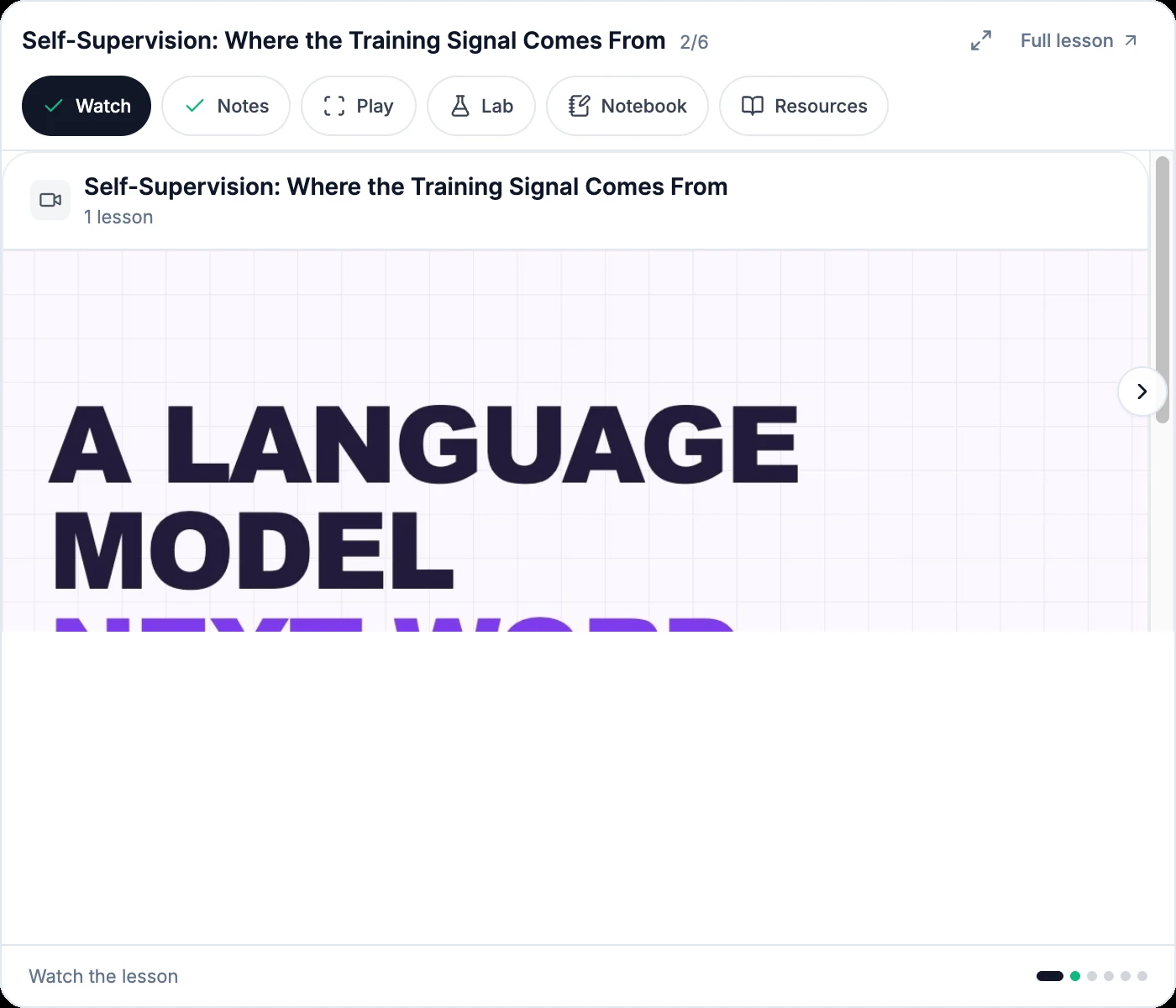
The educator’s video. Curiosity first, no notes. Then let it rest.
- 02Later, in about three minutes
Notes
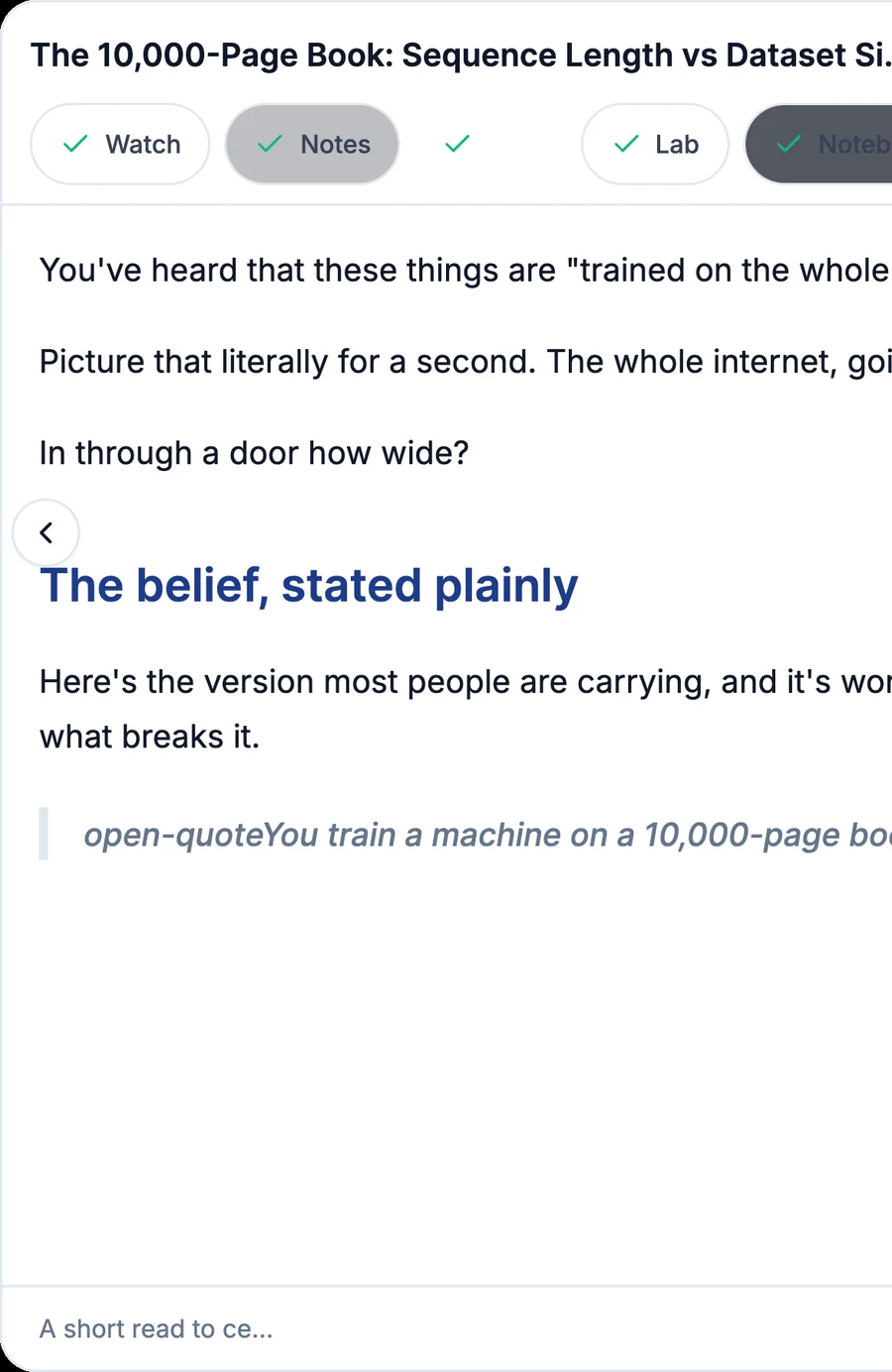
Come back with a life anchor and cement it. Roughly a fifth of it is new; the rest is the video landing again.
- 03Two minutes, on a phone
Play
See the thing happen. Move it, watch the parts, leave with one small instinct. Then rest again.
- 04When the topic has one
Lab
Operate the real mechanism, step by step, with every part named. Not every topic needs one, and that is the honest answer.
Progress counts a face as seen after a few seconds of real dwell, and the Atom reopens where you left it. Nothing to maintain, no streaks.
The track, our way
Not a syllabus. A map with the first capability open.
This is the real curriculum, read live. A path is a skill with a contract and an exit test, so you can check yourself and skip. Inside it, clusters are capabilities, and each atom shows only the minutes the educator actually recorded.
Follow-along launch: not every lesson is live yet. A new one lands roughly every 10 days with its video, a playground, projects, and extra material.
Open the full curriculumInside a topic
Everything one idea needs, and nothing it doesn’t.
The educator’s video
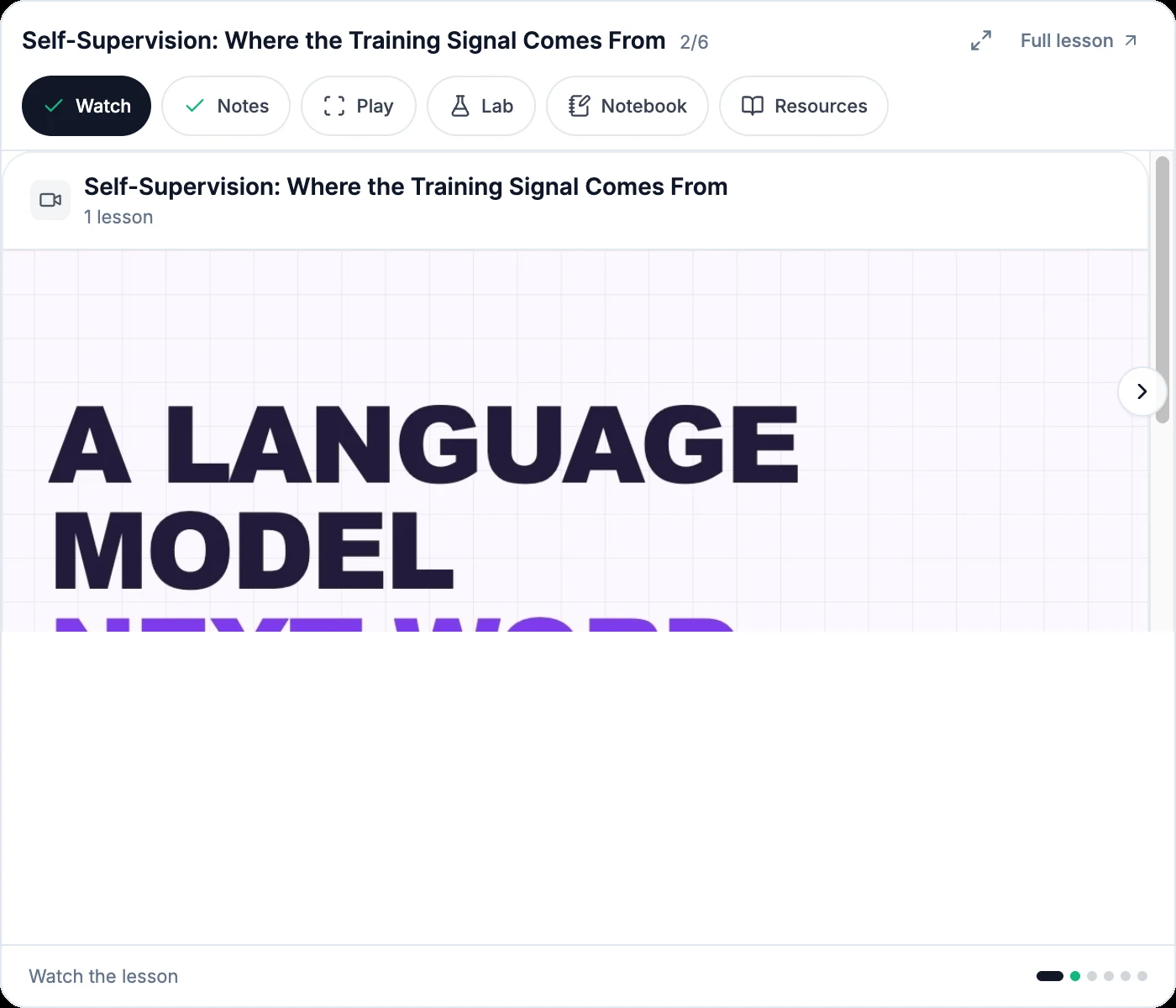
Short, recorded for the topic, watchable on a phone. The entry point for every atom.
Notes
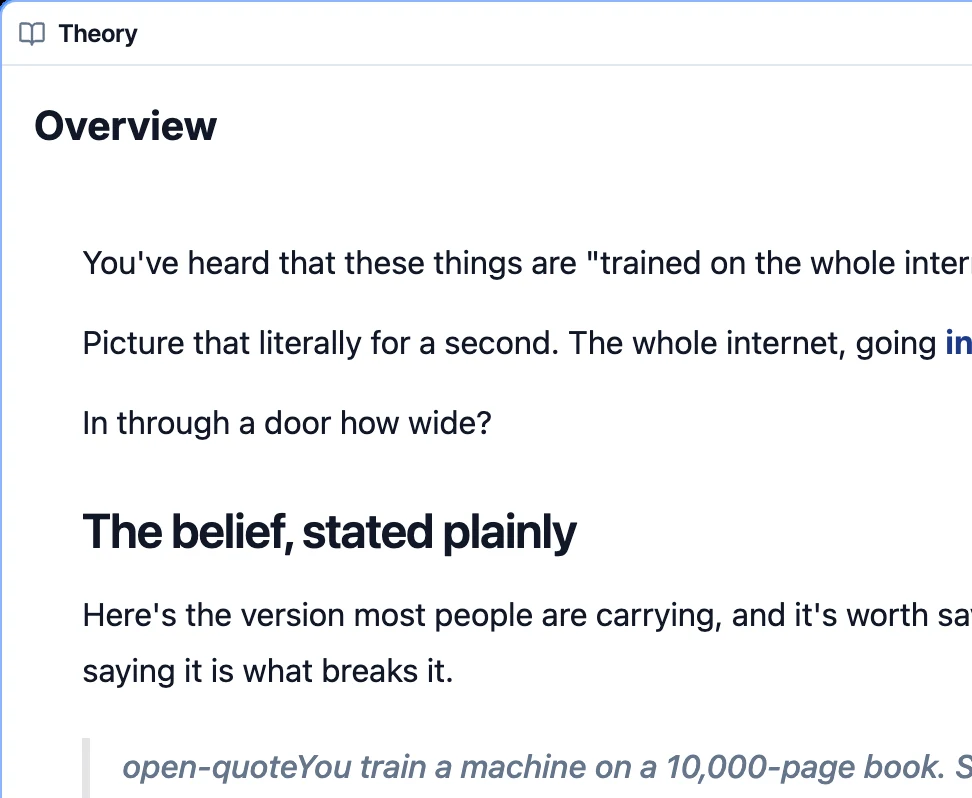
About three minutes of reading that lands the video again and adds the little that words do better.
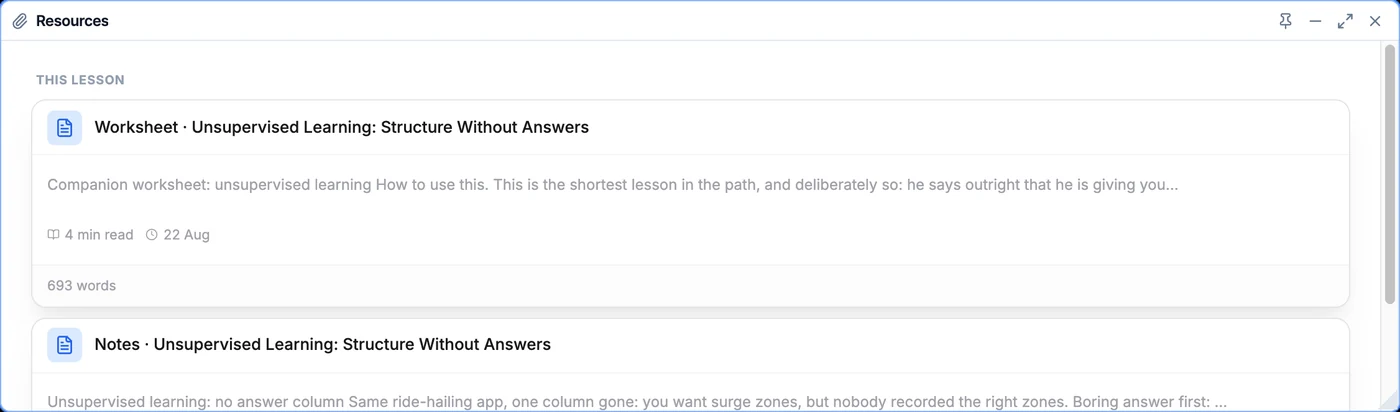
Knowledge resources
The educator’s drawings, artefacts and references, attached to the topic they belong to.
Skills you can practise
Interactive visualisations: change an input, watch the output move, keep the instinct.
Try one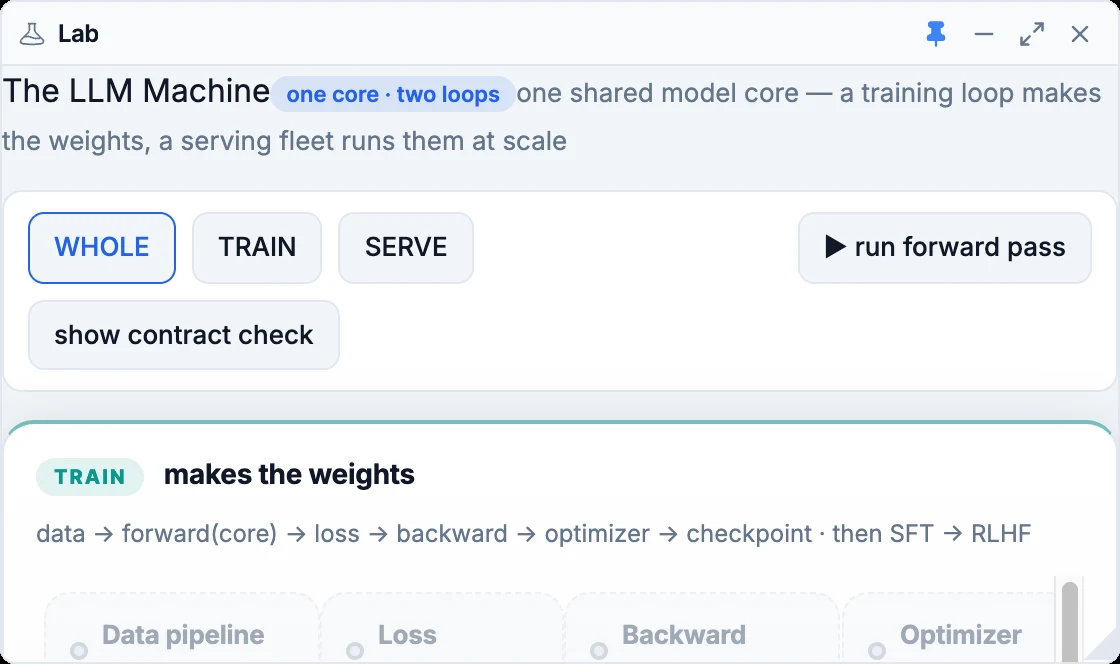
Labs
Real instruments that show the mechanism, never just its result. Labs run local models in the desktop app.
Projects on the platform
Take what you understood into real work: agents and flows built inside AIQuity Life, not in a sandbox.
The playground
One workspace per topic, with a learning agent underneath.
Every topic opens in one workspace of windows you arrange yourself: Theory, Video, Visualisation, Lab and Juggernaut as the lesson surfaces, with Notes, flashcards, quiz, scenarios, resources, skills and community one click away. Pin, minimise, maximise, undo a layout. Juggernaut is a window like the others: it reads the topic you are on, can drive the visualisation for you, and asks before it changes anything structural.
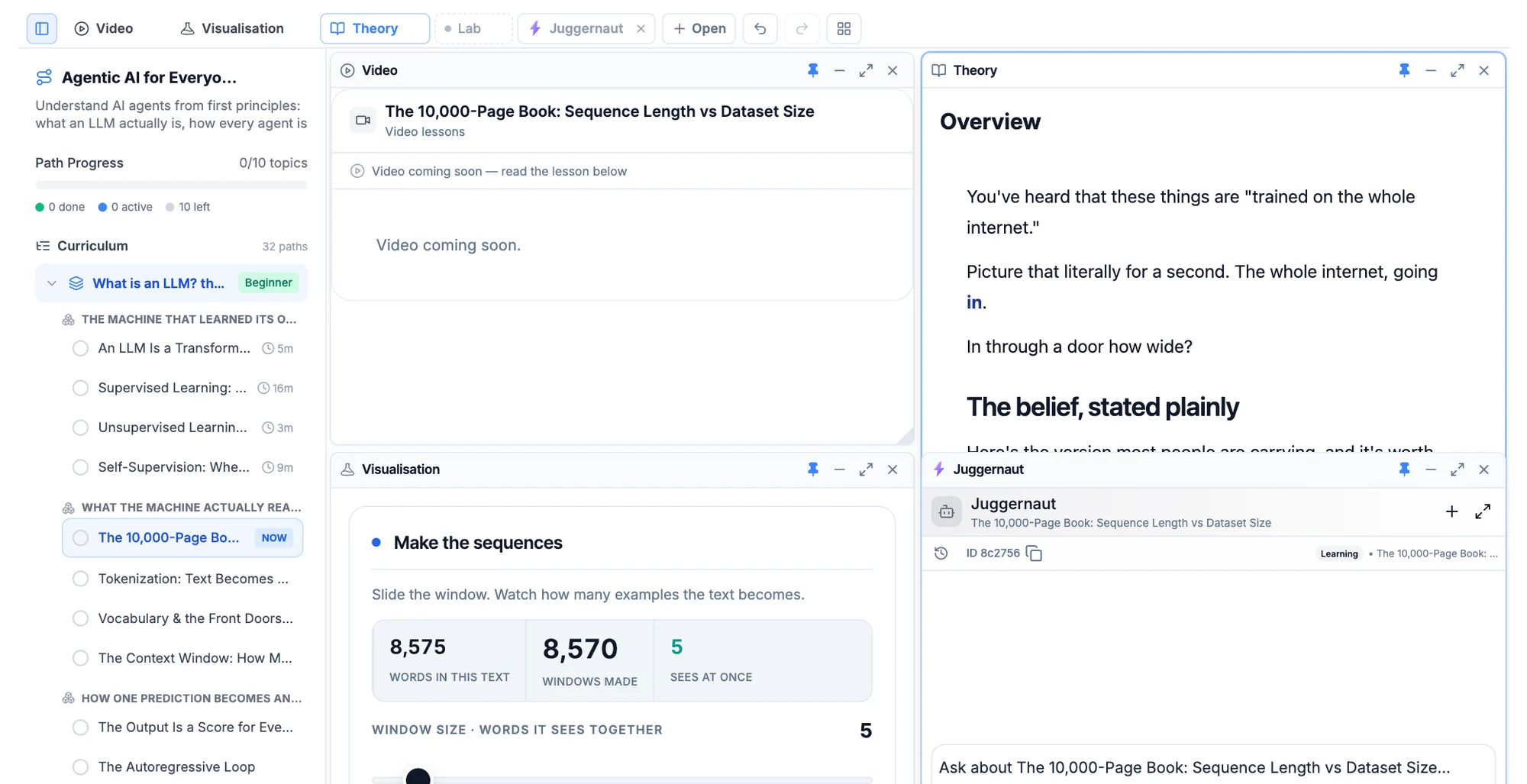
- Knows the topic you are on
- Drives the visualisation on request
- Asks before structural changes
- One thread per topic, kept
Atoms for busy days
Bottom-up. Start anywhere, finish something.
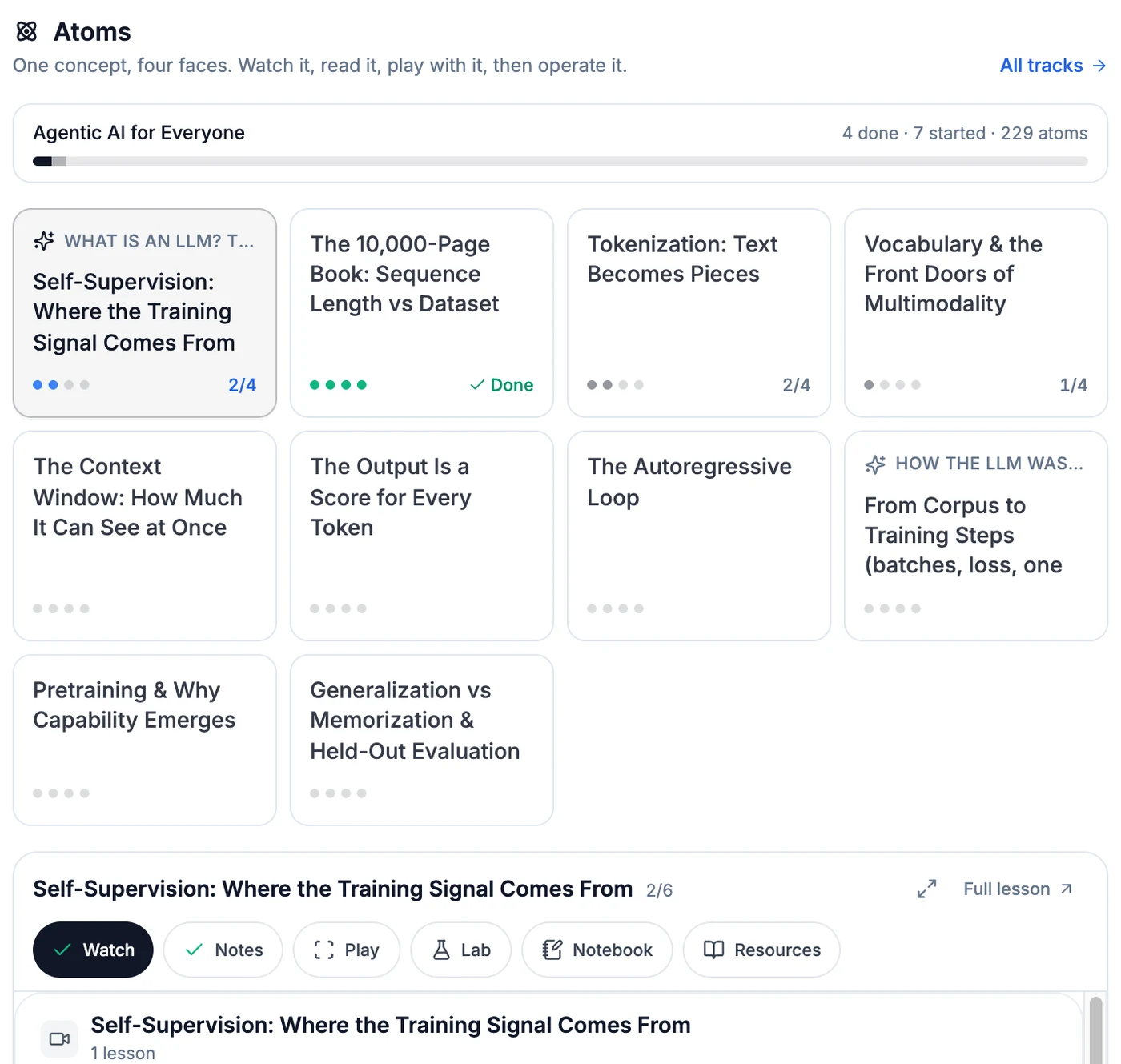
Home opens on the atoms of your track, grouped by path, each with its four face-dots and a Done mark. Pick one and the Atom below swaps: Watch, Notes, Play, Lab, in that order, with your Notebook and the topic’s Resources beside them. On a phone, in a gap in the day.
- 01By pathAtoms sit under the path they belong to, in true curriculum order.
- 02Four dotsEach card shows which faces you have seen; Done when all four are.
- 03One trackThe track’s own progress line at the top: done, started, total.
- 04Full lessonOne click from the atom into the full workspace for that topic.
Start with one topic, free.
No sign-up for the first capability. One-time purchase for the rest, yours forever.